StitchShop · for the counter
The counter of a sewing, quilt or vacuum shop
Ring up fabric by the yard, run classes and longarm bookings, sell online, and take machines in for your repair shop, all in one program. Partnered with a repair shop, or on your own.
Free during the beta · the first 10 shops free forever · otherwise $25/month each after the beta
Runs on your own computer - your data stays with you - connected to the free StitchHub network.
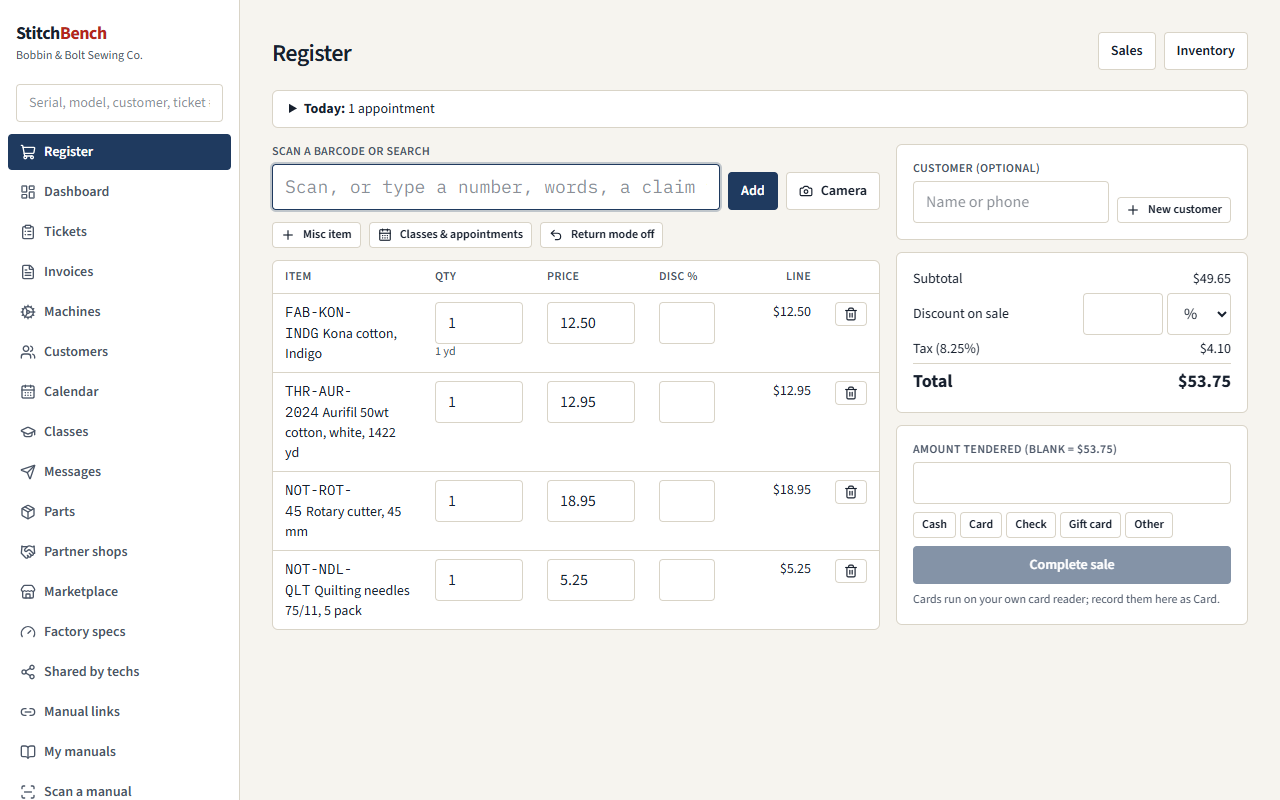
The register
- Scan a barcode with a USB or Bluetooth scanner or the camera of a phone or tablet, or search.
- Fabric by the yard in eighths, line and whole-sale discounts, and sales tax.
- Split payments: cash with change, card on your own reader, check, gift card.
- Returns, voids, printable receipts (an 80 mm receipt printer works), and a day's takings by payment type.
- Class and appointment fees rung up like anything else.
- On the Windows program the register keeps working when the internet is down.
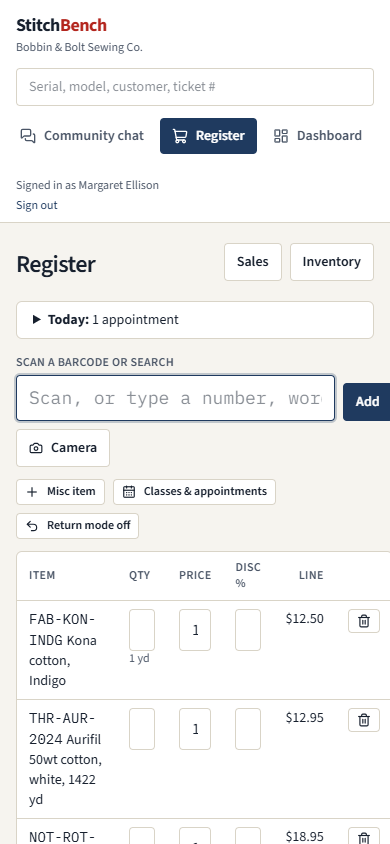
StitchShop doesn't process cards itself: run them on the reader you already have (Square, Clover, your bank's terminal) and choose Card on the register.
Inventory
- Notions, fabric, thread, patterns and accessories, with barcode labels and shelf counts.
- A spreadsheet import: paste a supplier's line sheet from Excel, or a CSV.
- An online lookup of store barcodes (UPC and EAN) to fill in new items.
- Ordering parts, notions and accessories from your repair shop's catalog at partner prices.
- Consignment: the repair shop's stock on your shelf, each sale reported to the owner, shelf counts and returns.
Repairs, sent to your partner repair shop
Sewing shop
Taken in at the counter
The sewing shop takes the machine in: customer, machine, problem, accessories, photos. It prints a two-part claim tag.
Repair shop
Arrives as a ticket
At the repair shop it is already a ticket under the sewing shop's trade account. Nobody types it twice.
Both shops
Estimate and answer
If it needs more than was asked, the estimate goes to the counter. The shop calls the customer, and the answer lands back on the ticket.
Sewing shop
Ready, paid at the register
Status and the bill come back by themselves. The customer pays at the sewing shop's register; its commission is worked out from the repair shop's bill.
Both shops
One statement a month
Repairs, consignment and orders are netted into one monthly statement, and one payment either way.
Terms you both accept
Partnering costs nothing extra
Classes, appointments and online booking
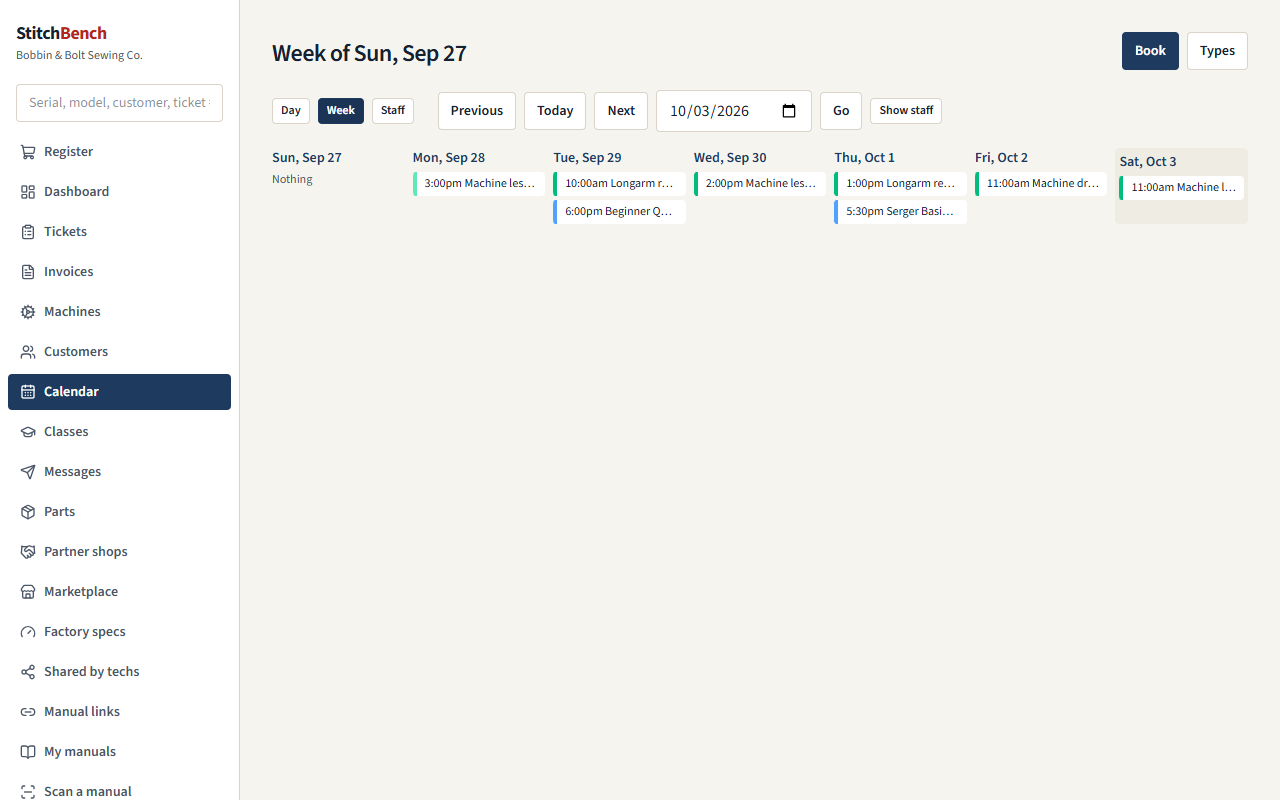
Scheduling add-on- A day and week calendar.
- Appointment types with shared resources: book the longarm, and the program knows you have two.
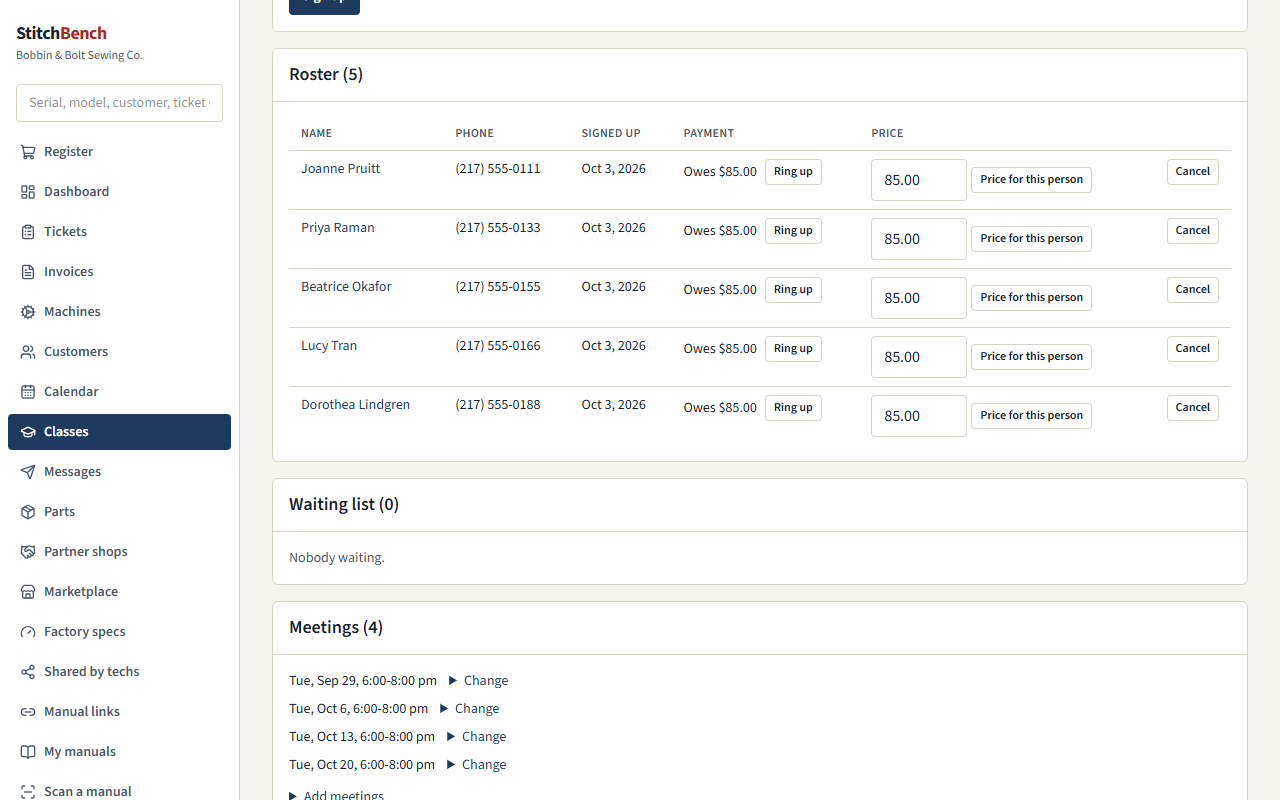
- Classes with seats, waiting lists, rosters and reminders.
- Staff shifts, and pickup runs planned with your repair shop.
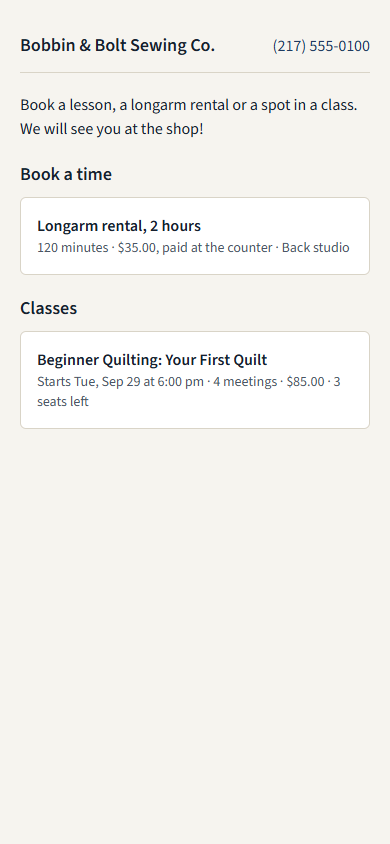
- Online booking: customers book lessons, longarm time and drop-offs, and sign up for classes, from a page you can put inside your own website. They get a link to move or cancel.
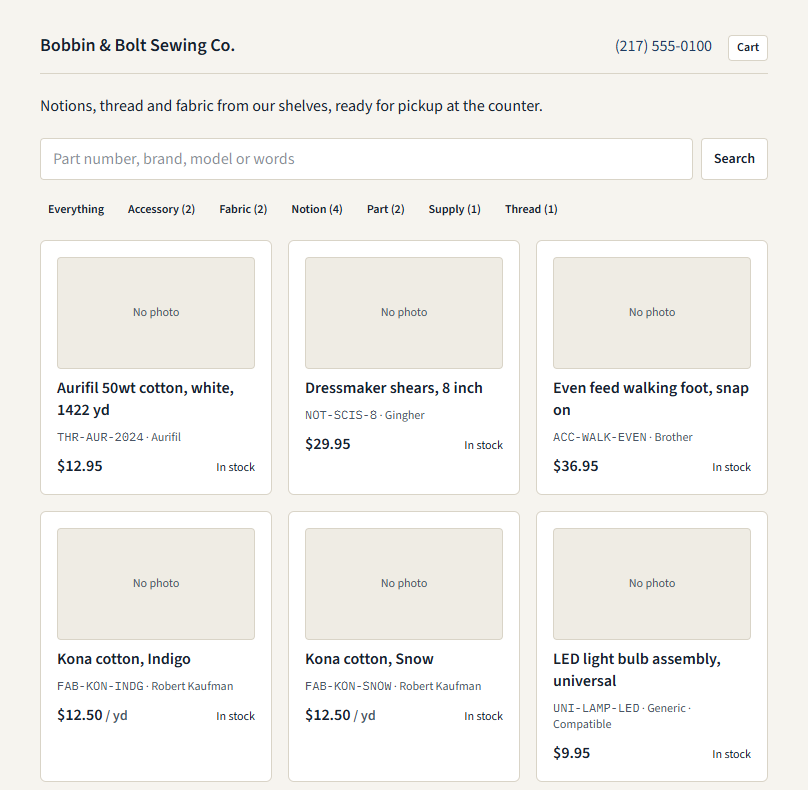
An online shop from your inventory
- Choose which items go online, each with its own title, description and photos.
- Pickup at the shop, shipping, or both, with free shipping over an amount if you like.
- Customers pay by card through your own Stripe account; the money goes straight to you.
- Sales tax at your rate, or Stripe Tax for shipped orders.
- Orders arrive next to the register: paid, ready, done, or cancelled with the refund made for you.
Email and texts to your customers
Marketing add-onClass and appointment confirmations and reminders, “your machine is ready”, order updates, and campaigns to the groups you choose, from your own mail account and your own texting number, with consent and unsubscribes handled by the book. How it works
Vacuum shops
The Vac Shop add-on adds a vacuum repair bench, a bag, belt and filter finder rung up at the register, vacuum sales with serial numbers, warranty registration and trade-ins, reminders when a customer's bags are due, and central vac installs on the calendar. The add-ons